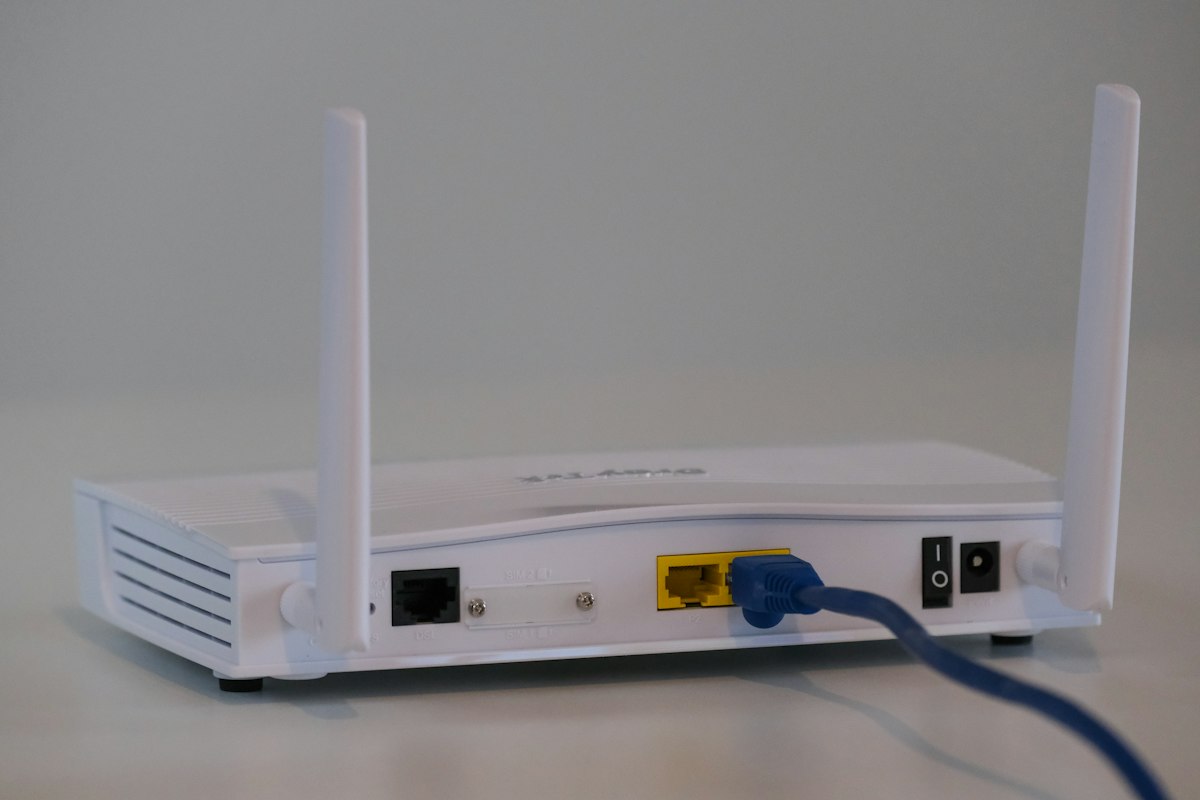
What is mesh WiFi? It is a whole-home wireless system made of multiple nodes that work together under one network name so devices roam smoothly from room to room. Instead of hoping a single router can punch through every wall, mesh spreads radios across the floor plan. If you are hunting dead zones on testspeed.space, mesh is often the long-term fix after placement tweaks fall short.
Traditional extenders create a second network or heavily tax the same radio for backhaul and clients. Mesh kits are designed as a coordinated fabric: a primary node connects to your modem, and satellites relay traffic with smarter handoffs. The result feels like one strong network rather than a patchwork of SSIDs.
Find Your Dead Zones First
Room-by-room tests on testspeed.space show whether you need mesh or just better placement.
Run Free Speed Test →
How Does Mesh WiFi Work?
Each node is an access point. Devices connect to the nearest healthy node while the system decides how to move data back to the internet gateway. Wireless backhaul uses radio links between nodes; Ethernet backhaul uses cables and usually delivers better speed and stability. Tri-band mesh often reserves one band for node-to-node traffic so client devices keep more capacity.
Roaming standards and vendor logic help phones switch nodes as you walk. No mesh is perfect in every building, but quality systems dramatically reduce the sticky-client problem where a phone clings to a weak upstairs signal from the downstairs router.
Mesh WiFi vs Extender vs Extra Access Point
| Approach | SSID experience | Best fit |
|---|---|---|
| Single router | One network | Small apartments |
| Range extender | Often awkward roaming | One distant room on a budget |
| Mesh WiFi | Usually one seamless SSID | Multi-room / multi-story homes |
| Wired access points | Can be seamless with controller | Homes with Ethernet runs |
If you already have Ethernet jacks in key rooms, a mesh system in wired backhaul mode — or pro-sumer access points — can outperform pure wireless mesh. Wireless mesh still wins on convenience when drilling cable is not realistic.
Place satellites where they still hear the main node clearly. Putting a node in a total dead zone gives it nothing useful to repeat.
Retest After Adding a Node
Compare the worst room before and after on testspeed.space.
Test WiFi Speed →Who Should Buy Mesh WiFi?
- Homes over roughly 1,500–2,000 sq ft with multiple floors
- Layouts with brick, plaster, or long hallways
- Households tired of manual WiFi switching between extender SSIDs
- People adding many smart-home devices in far rooms
- Anyone who already optimized placement and still sees weak speeds
Who might not need it yet
Studio apartments and small one-bedroom places often do fine with one well-placed WiFi 6 router. Spend on a better primary unit and channel hygiene first. Mesh shines when geometry beats a single radio.
How to Set Up Mesh WiFi Without Pain
- Put the ISP modem/gateway in bridge mode if using your own mesh router
- Place the primary node centrally near the modem
- Add satellites floor by floor using the vendor app
- Prefer Ethernet backhaul where cables exist
- Use one SSID unless you have a specific IoT reason to split bands
- Update firmware, enable WPA3 if compatible
- Verify every problem room on testspeed.space
During setup, keep nodes powered on stable outlets — not flickering power strips that reboot satellites. Label Ethernet backhaul ports so future you does not unplug the wrong cable. If voice assistants or cameras misbehave after migration, forget old networks on those devices and join the new mesh SSID cleanly.
What Speeds Should You Expect From Mesh?
Wireless backhaul shares airtime, so a satellite hop can reduce throughput compared with sitting next to the primary node. That trade is usually worth it versus a dead zone at 2 Mbps. Ethernet backhaul or a dedicated backhaul radio narrows the gap. Always judge success by the worst room you care about, not the marketing peak on the box.
WiFi 6 and WiFi 7 mesh kits improve dense-device behavior. If your bottleneck is ISP speed — confirmed by a wired test on testspeed.space — mesh will not raise the plan cap; it only delivers more of that cap to distant rooms.
Two routers fighting (ISP gateway WiFi plus mesh WiFi) cause double NAT and roaming chaos. Bridge the gateway or disable its radios.
Common Mesh Mistakes
- Too few nodes for a large brick home
- Nodes stuffed in cabinets for aesthetics
- Mixing random extenders into a mesh SSID
- Skipping firmware updates for months
- Expecting 6 GHz to cover an entire multi-story house from one node
Start with the vendor's recommended node count for your square footage, then add based on measured dead zones rather than guesswork. Mesh is modular by design — measure, add, retest.
Cost is the other practical question inside what is mesh WiFi shopping. Entry kits with two nodes cover many apartments; larger homes may need three or four. Buying the cheapest no-name pack often disappoints because backhaul radios are weak and apps are abandoned. Mid-tier WiFi 6 kits from established brands tend to strike the best balance for SpeedTest Pro readers who want reliability without enterprise pricing.
Parent controls, device prioritization, and guest networks are easier on mesh apps than on aging ISP gateways. Those features matter when kids stream upstairs and you still need upload capacity for calls downstairs. Just remember that QoS settings cannot invent bandwidth your ISP does not provide — verify the plan with a wired test on testspeed.space.
Future-proofing is reasonable but not infinite. A solid WiFi 6 mesh deployed with good node placement will serve most households for years. Jumping straight to WiFi 7 mesh makes more sense if you already own multi-gig service and compatible clients. Otherwise, spend on an extra node for coverage before spending on a generation you cannot fully use.
Finally, give the system a day to settle. Client steering and band preferences improve as devices learn the new topology. Retest problem rooms after twenty-four hours, not only during the unboxing adrenaline spike, so your before-and-after comparison on testspeed.space is fair.
Outdoor coverage is a special case. Some mesh brands offer weather-resistant nodes, but most indoor kits are not built for exposed porches. If you need patio WiFi, use a rated outdoor access point fed by Ethernet when possible, and still measure throughput on testspeed.space from the seating area you care about.
How Many Mesh Nodes Do You Actually Need?
Vendors publish optimistic square-footage charts that assume open drywall layouts. Treat those numbers as marketing, not physics. Start with the kit size that matches your floors, place nodes with the halfway rule, then add one node only where testspeed.space still shows a stubborn dead zone after twenty-four hours. Over-nodding can create interference if units sit too close; under-nodding leaves the original problem intact.
Wired Backhaul Versus Wireless Backhaul
If you can run Ethernet between nodes, do it. Wired backhaul frees every radio for clients and usually delivers the most consistent multi-room speeds. Wireless backhaul is fine for renters and apartments—just keep line-of-sight-ish placement and avoid stuffing satellites in media cabinets. After you choose a backhaul mode, compare bedroom results on testspeed.space so you know whether the mesh is delivering plan-rate WiFi or merely prettier SSIDs. That measurement mindset is what separates a helpful mesh install from an expensive nightlight.
Frequently Asked Questions
Is mesh WiFi the same as a router?
The primary node is a router; satellites are coordinated access points. Together they form the mesh system.
Do I need WiFi 6 mesh?
It helps with many devices. Coverage geometry still matters more than generation alone.
Can I mix brands of mesh nodes?
Usually no — stick to one ecosystem for reliable backhaul and roaming.
Will mesh fix buffering on a slow plan?
Only if buffering was caused by weak WiFi. Check wired speeds on testspeed.space first.
Related Guides
Keep learning with these related SpeedTest Pro articles on testspeed.space:
Frequently Asked Questions
- Is mesh the same as a router?
- The primary node routes traffic; satellites are coordinated access points forming one system.
- Do I need WiFi 6 mesh?
- It helps dense device homes, but node placement still matters most for coverage.
- Can I mix mesh brands?
- Usually no. Stay in one ecosystem for reliable backhaul and roaming.
- Will mesh fix a slow ISP plan?
- Only if weak WiFi caused the issue. Confirm with a wired test first.